 KILO
Writing about Kilogain.
Here you'll find the facts, ready-made descriptions and visuals. Need more, or want an interview? Get in touch.
VisualsAt a glance
| Name | Kilogain |
|---|---|
| Maker | Kwant Software, Belgium |
| What | Strength training log with a body map per muscle group |
| Platforms | Android · Wear OS (Google Play) · iPhone · Apple Watch (TestFlight) |
| Status | Available in open testing on Google Play for Android and through TestFlight for iPhone. The public App Store release will follow later. Google Play & TestFlight · Kilogain Wear. |
| Price | Free; optional Premium subscription |
| Languages | 25 |
| Press contact | info@kilogain.com |
Short description
Longer description
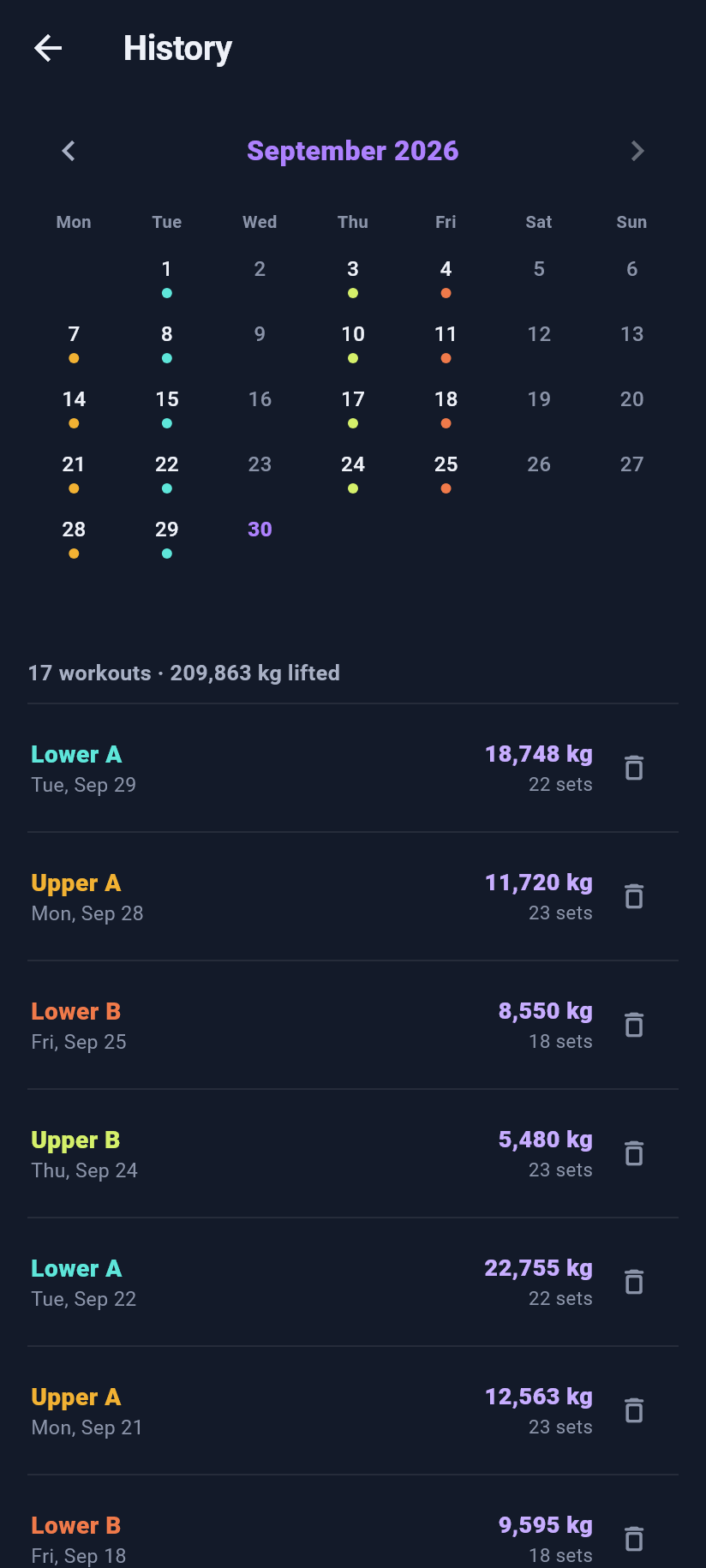
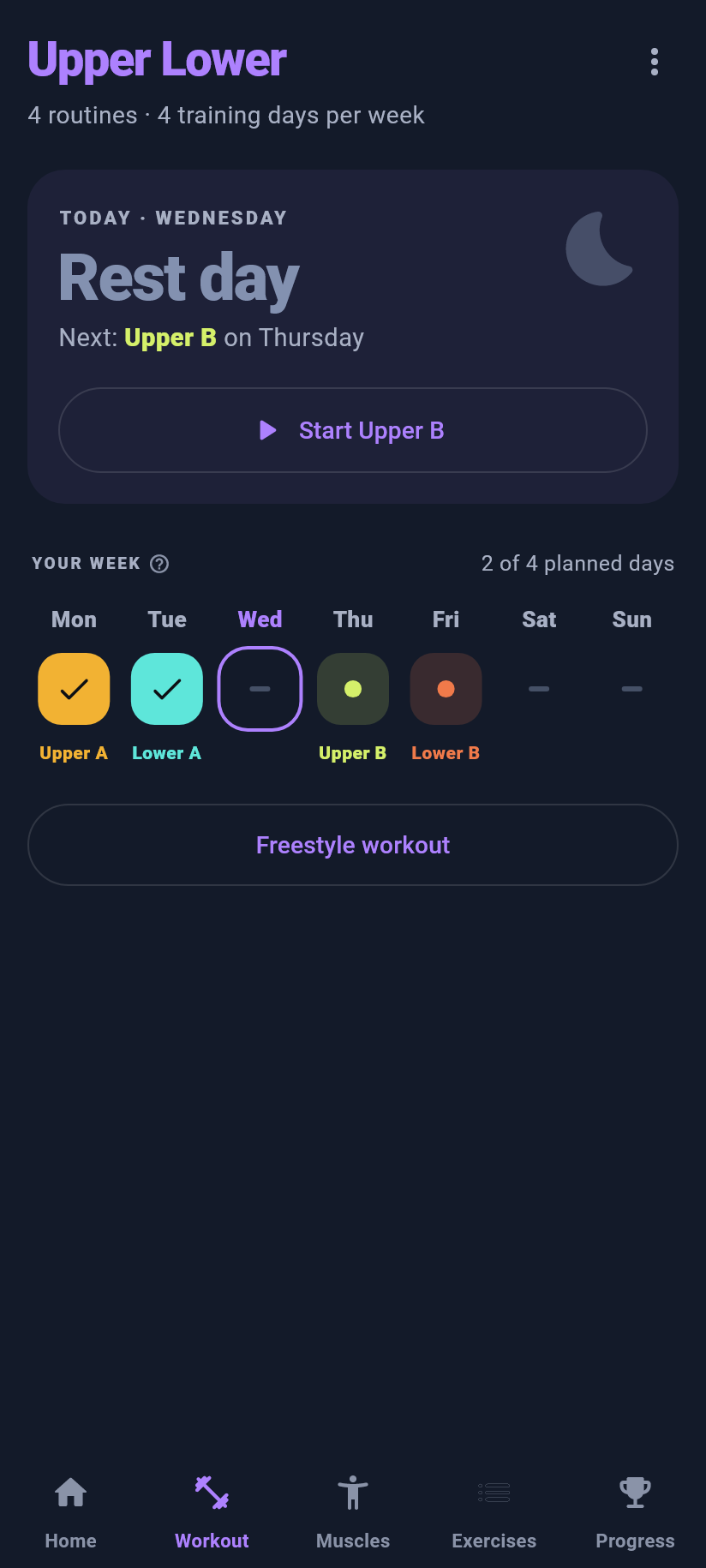
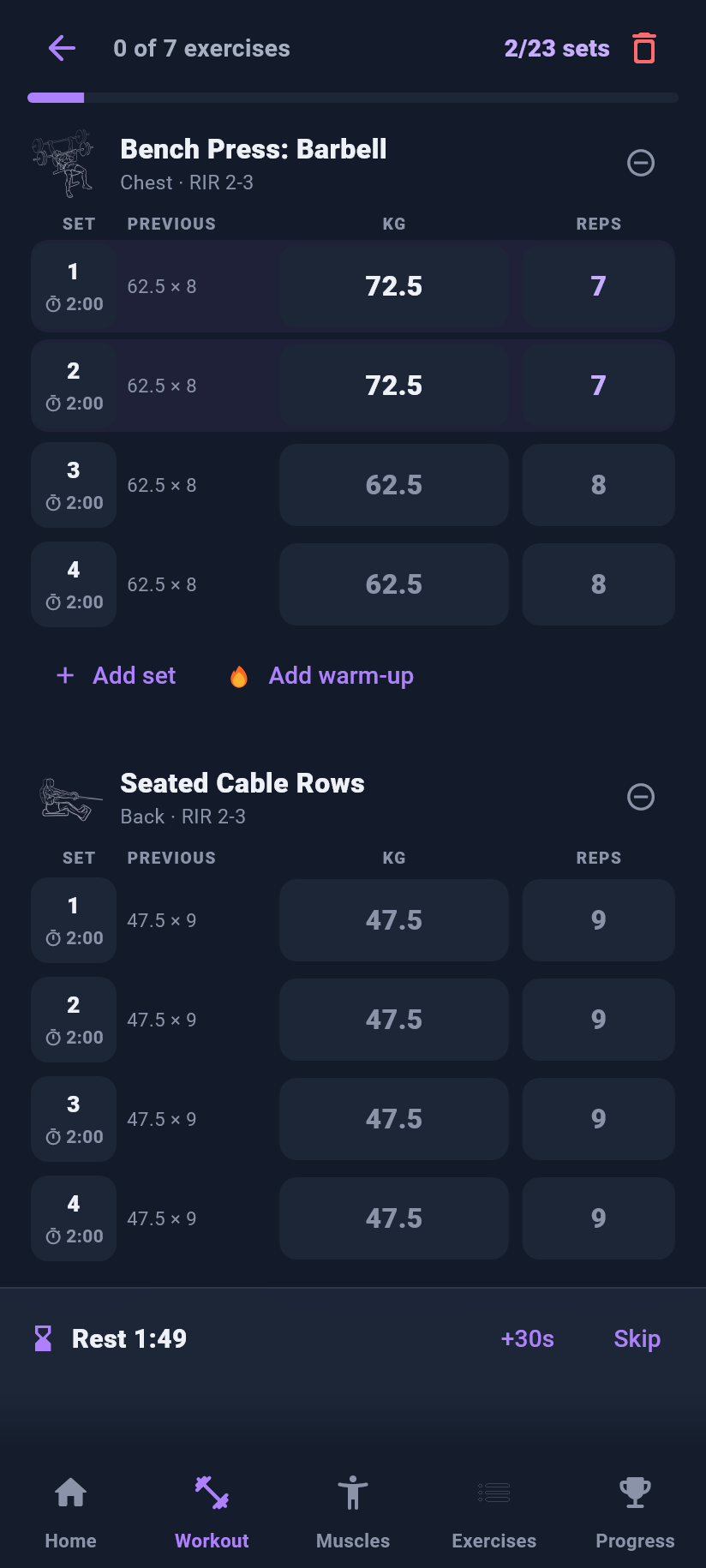
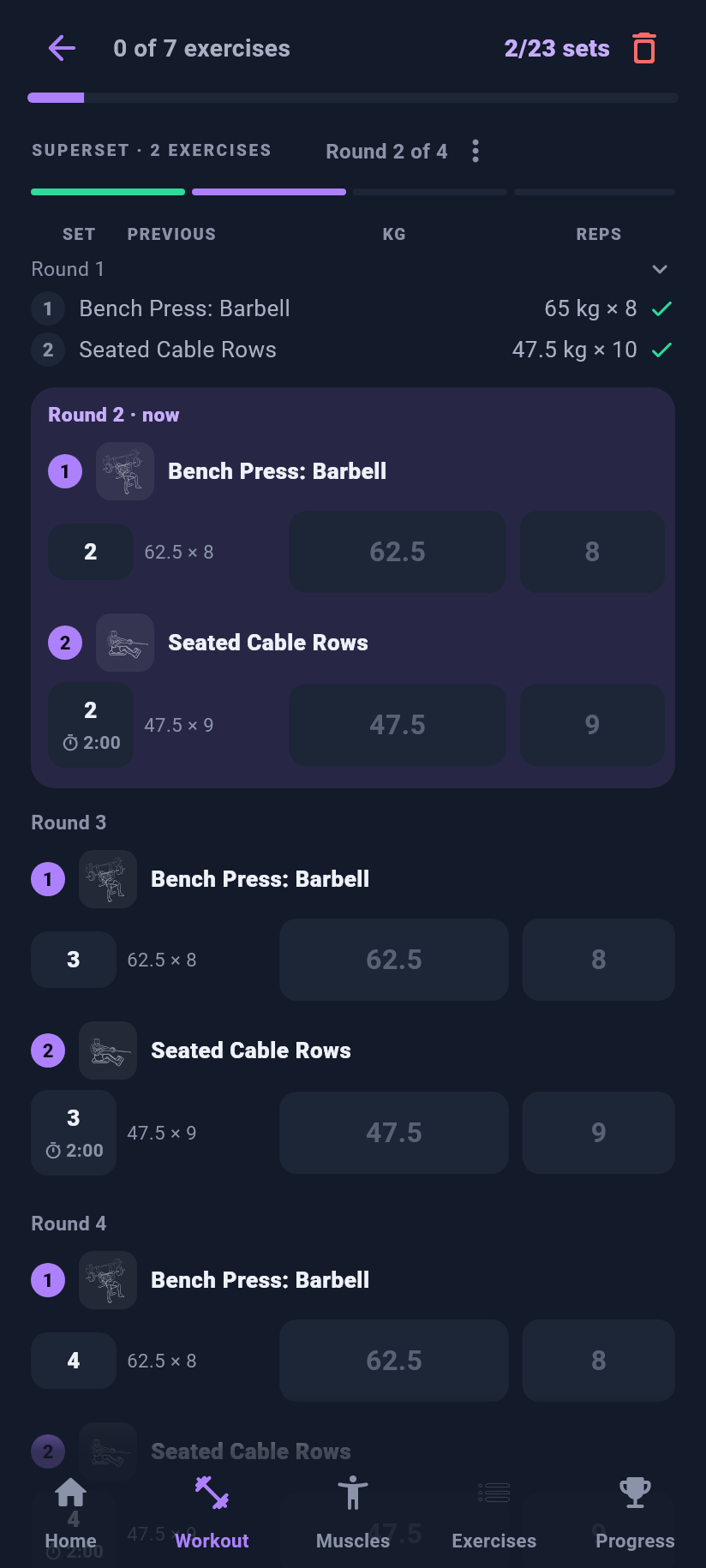
Kilogain is a strength training log made by Kwant Software in Belgium. Athletes log their sets in a few taps, with their previous performance alongside, a rest timer and a plate calculator.
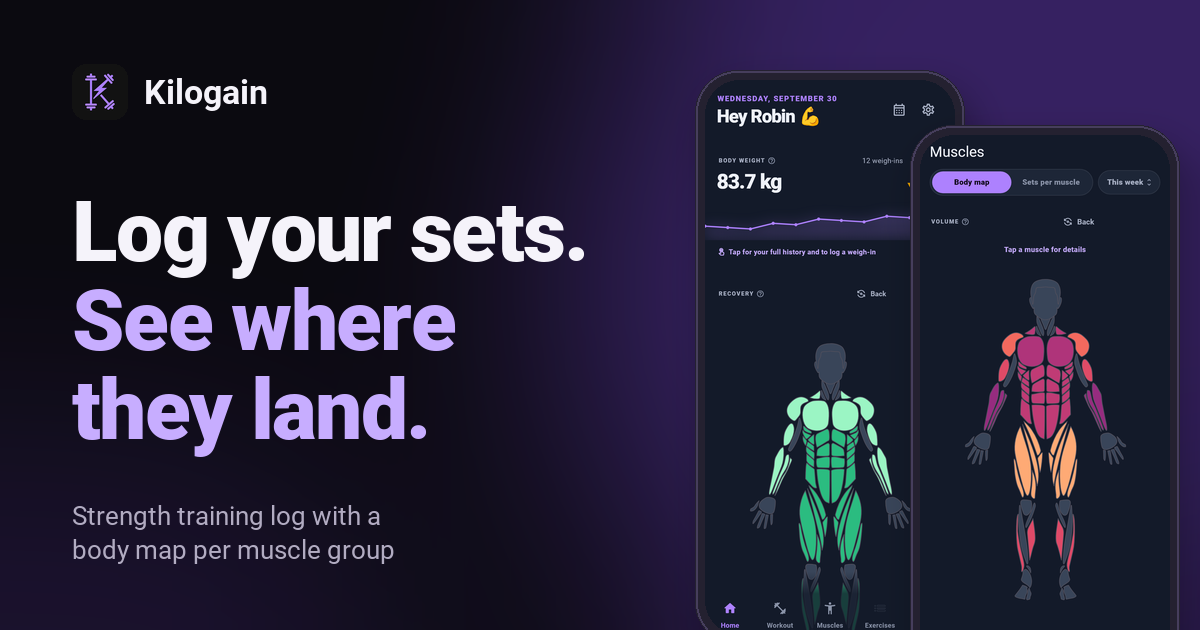
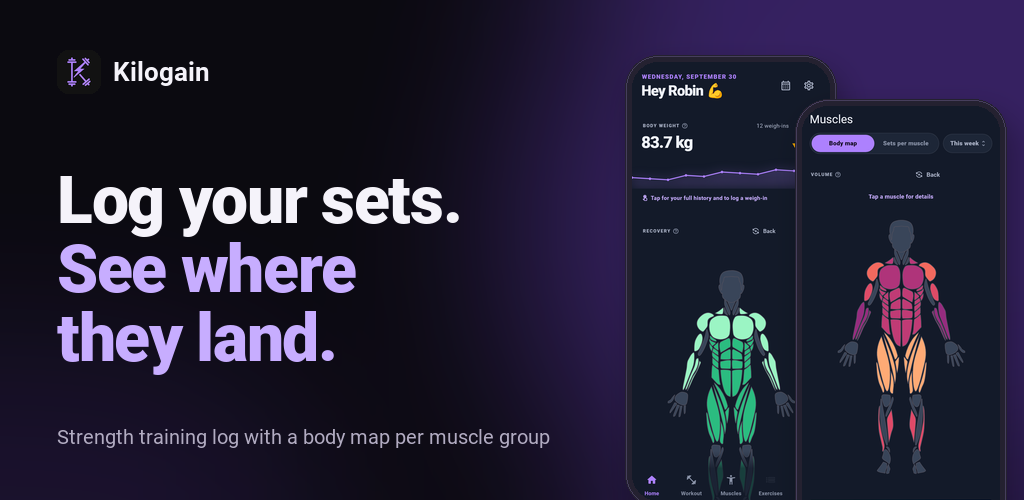
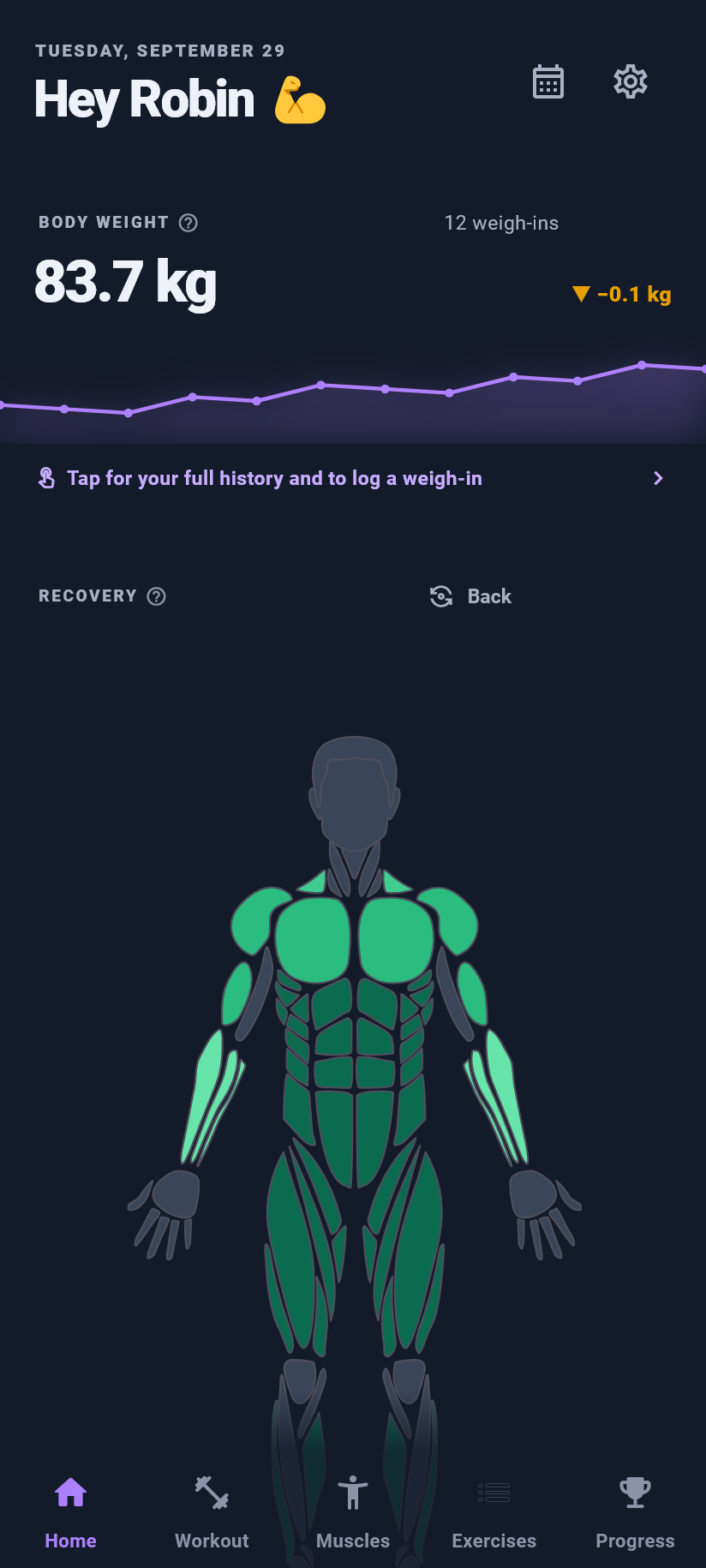
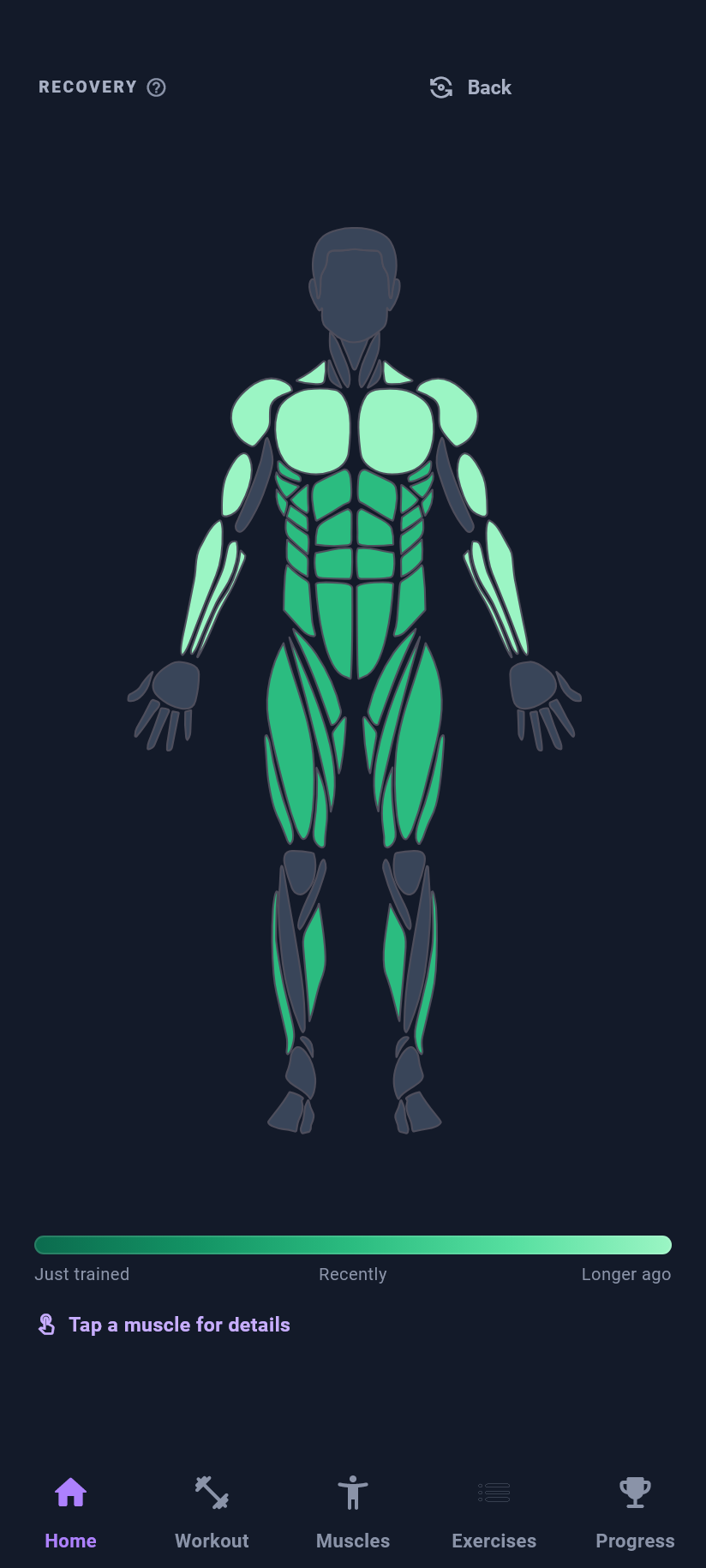
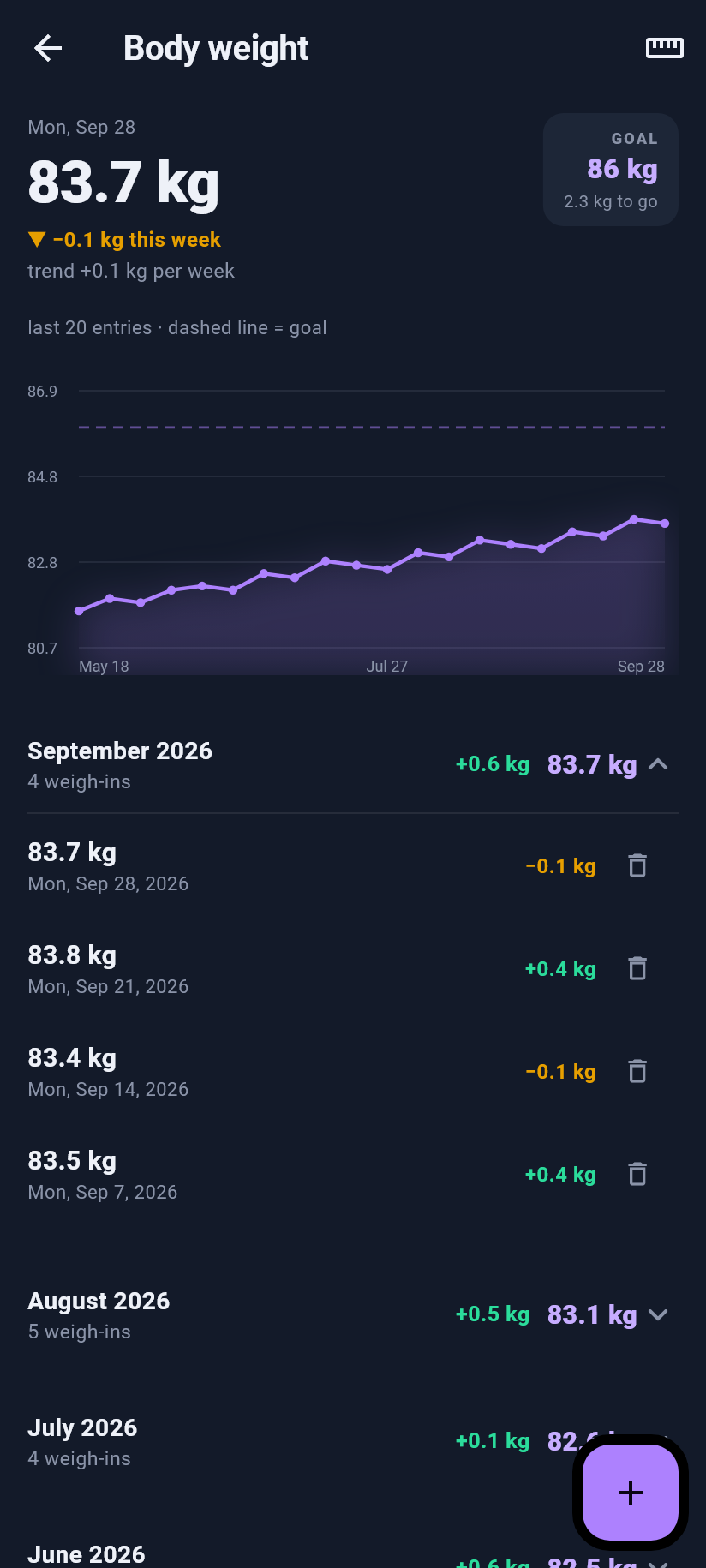
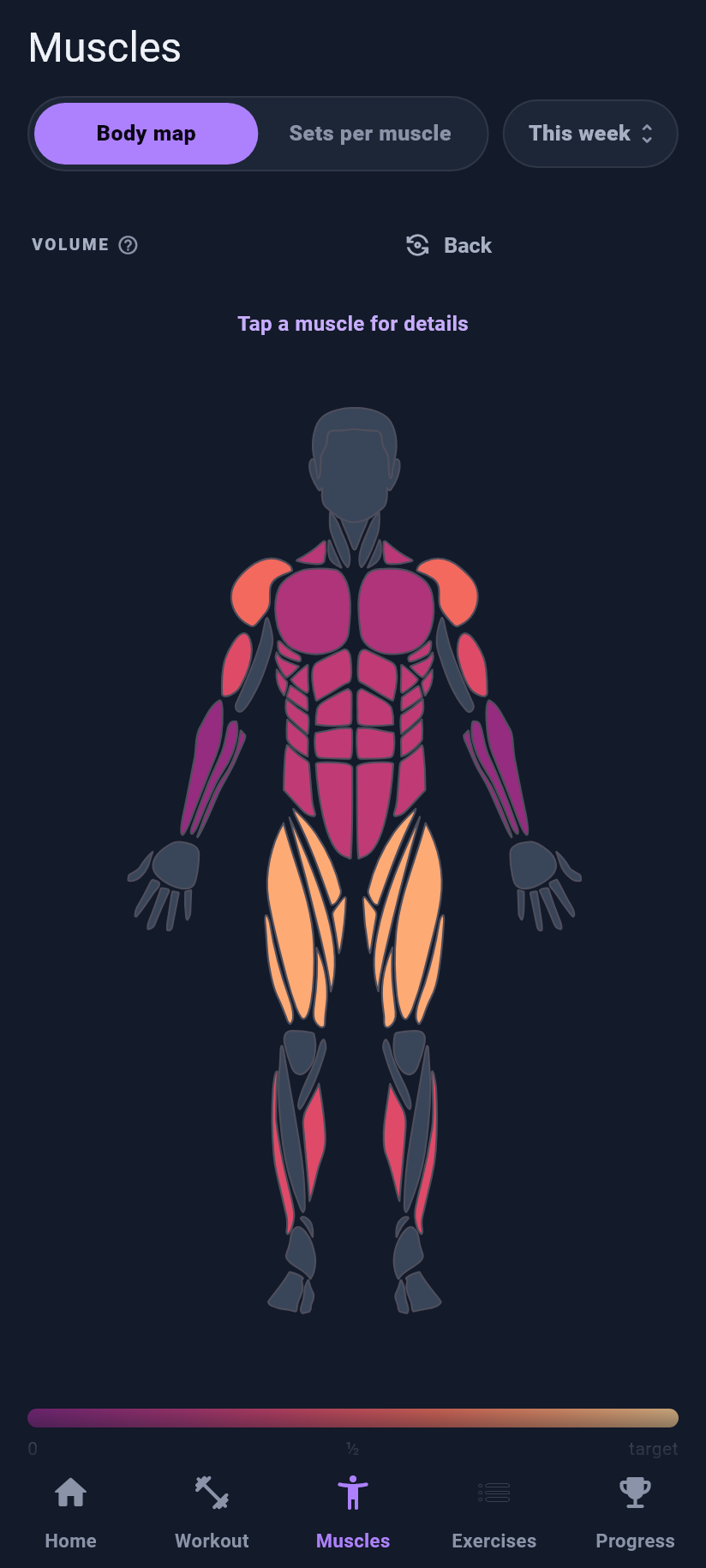
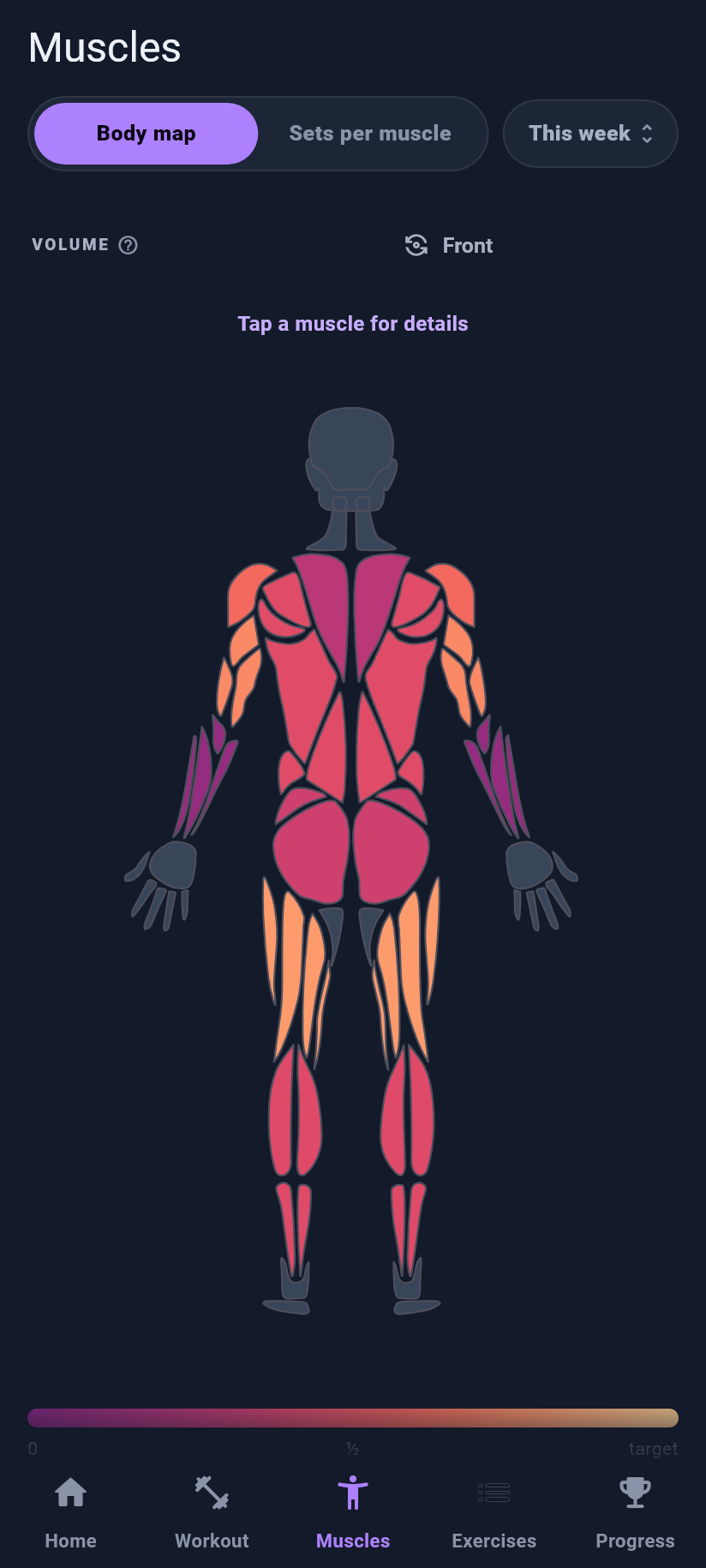
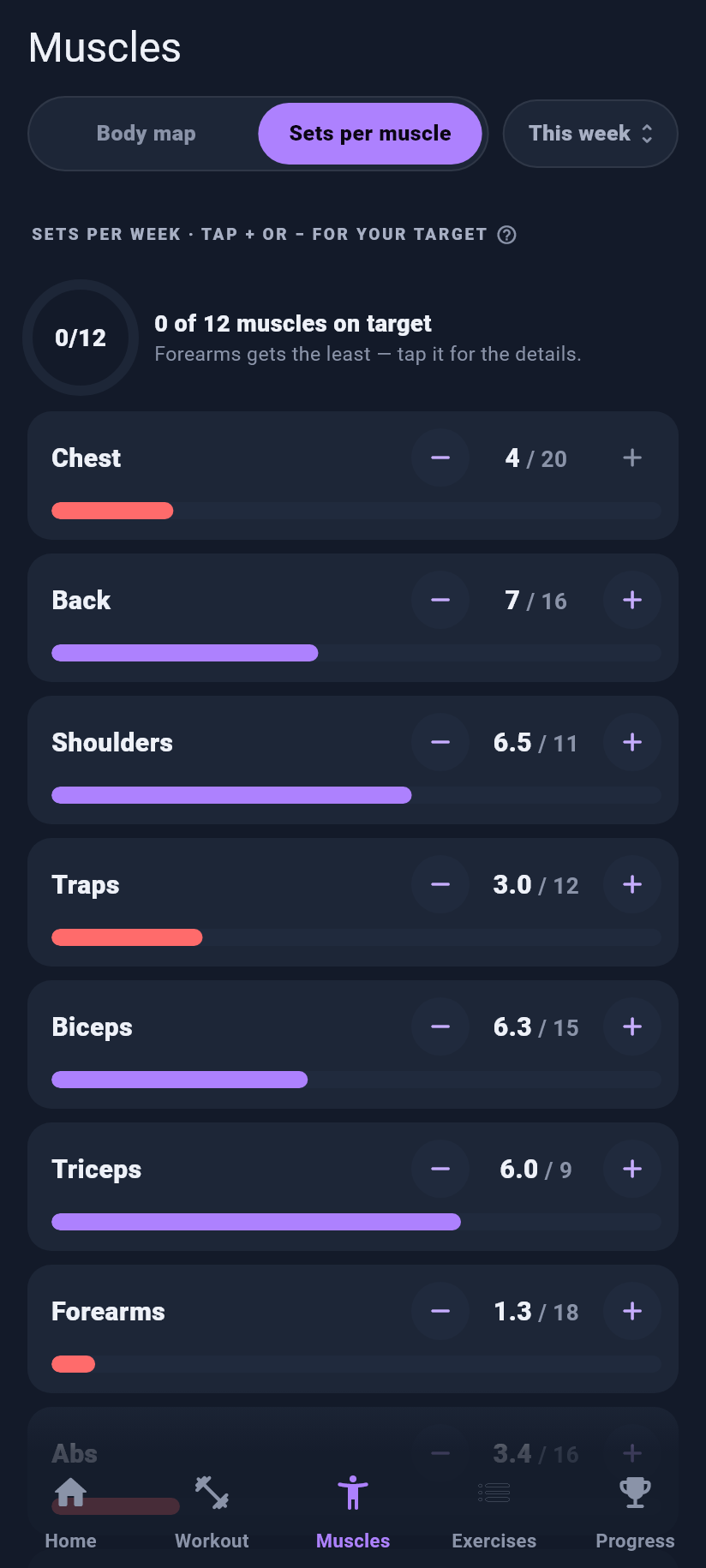
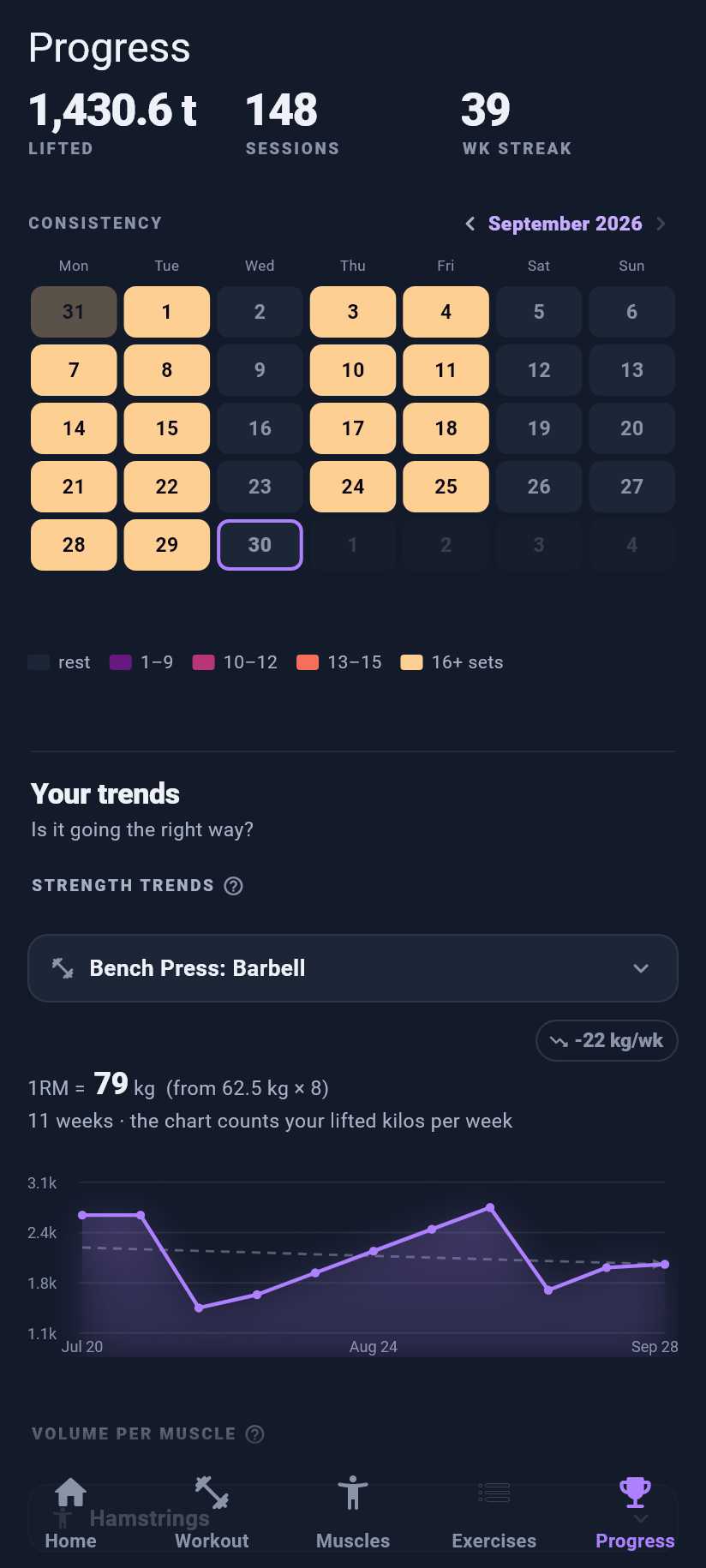
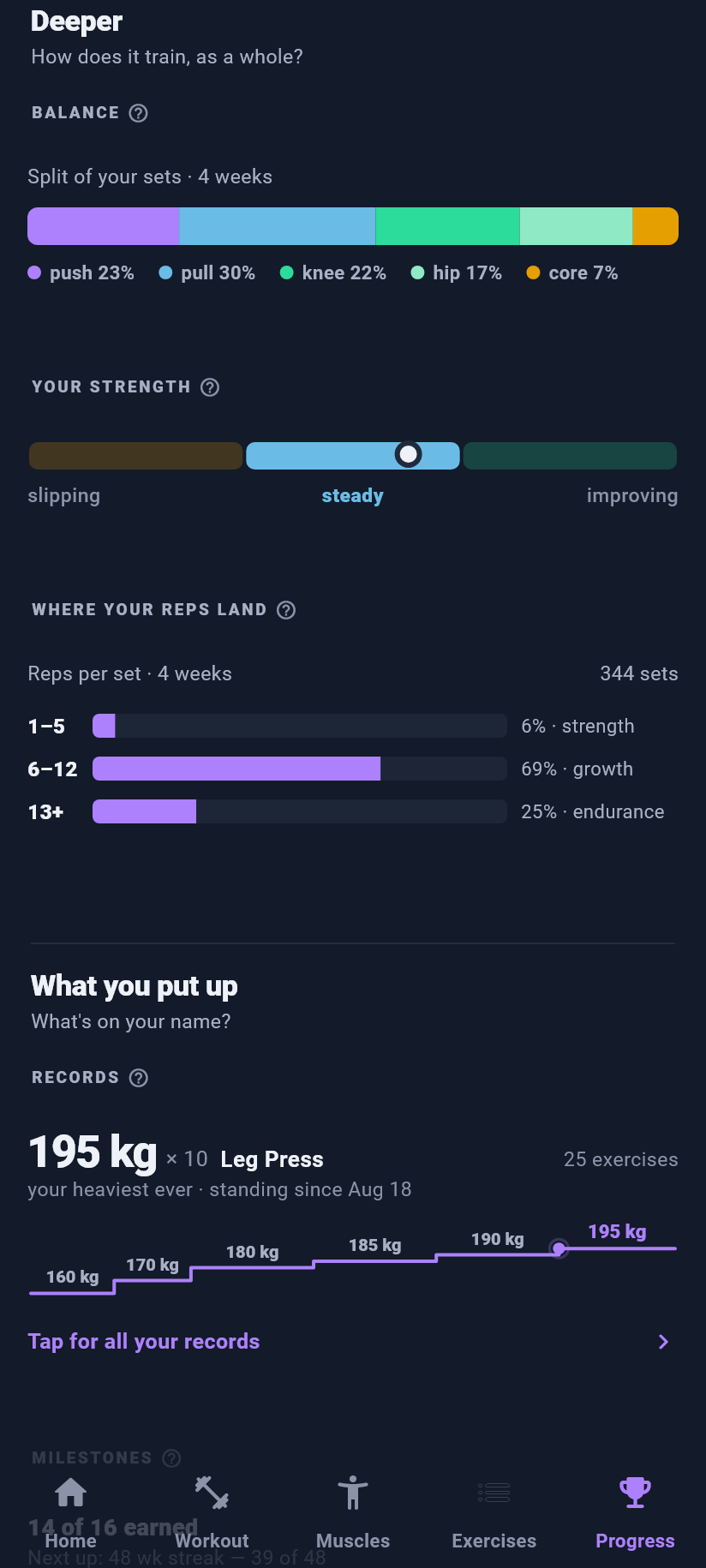
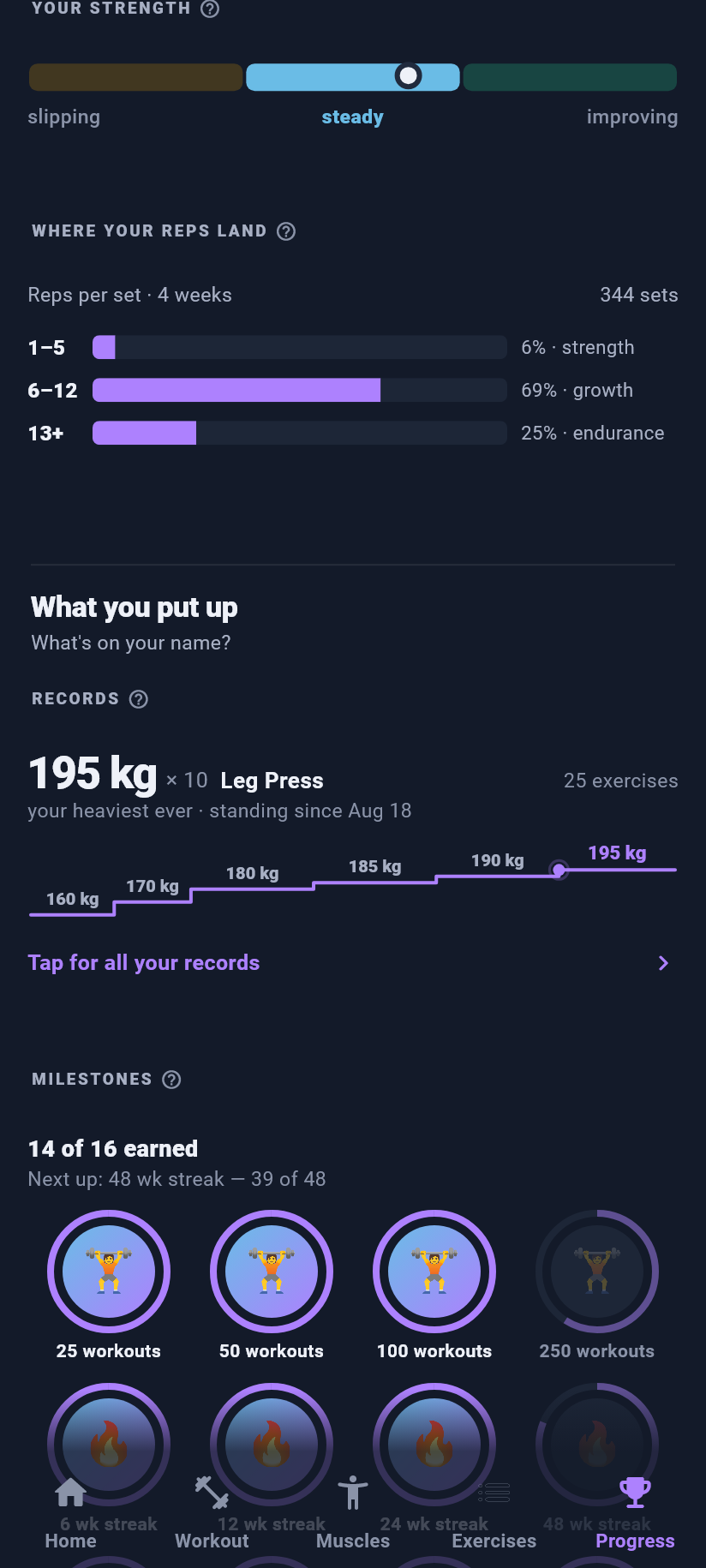
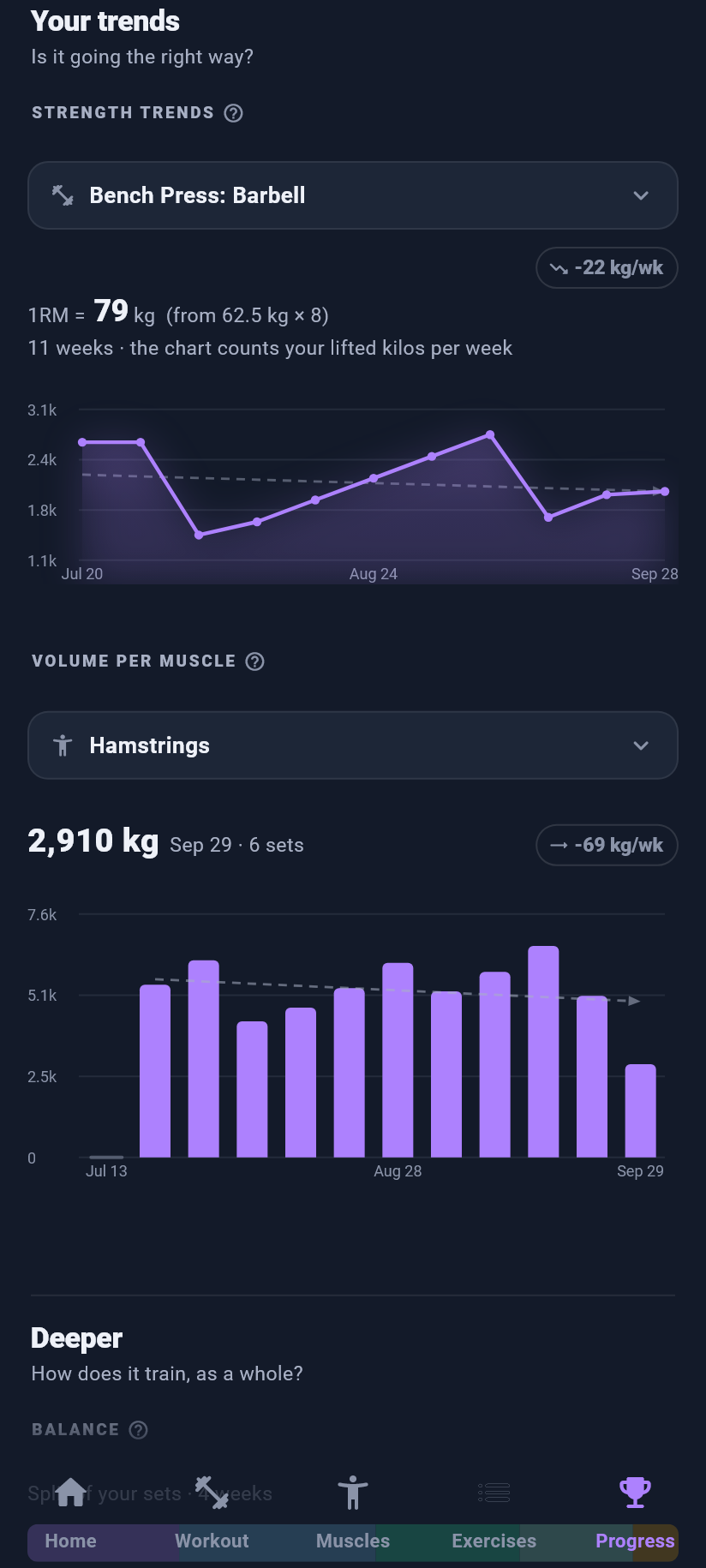
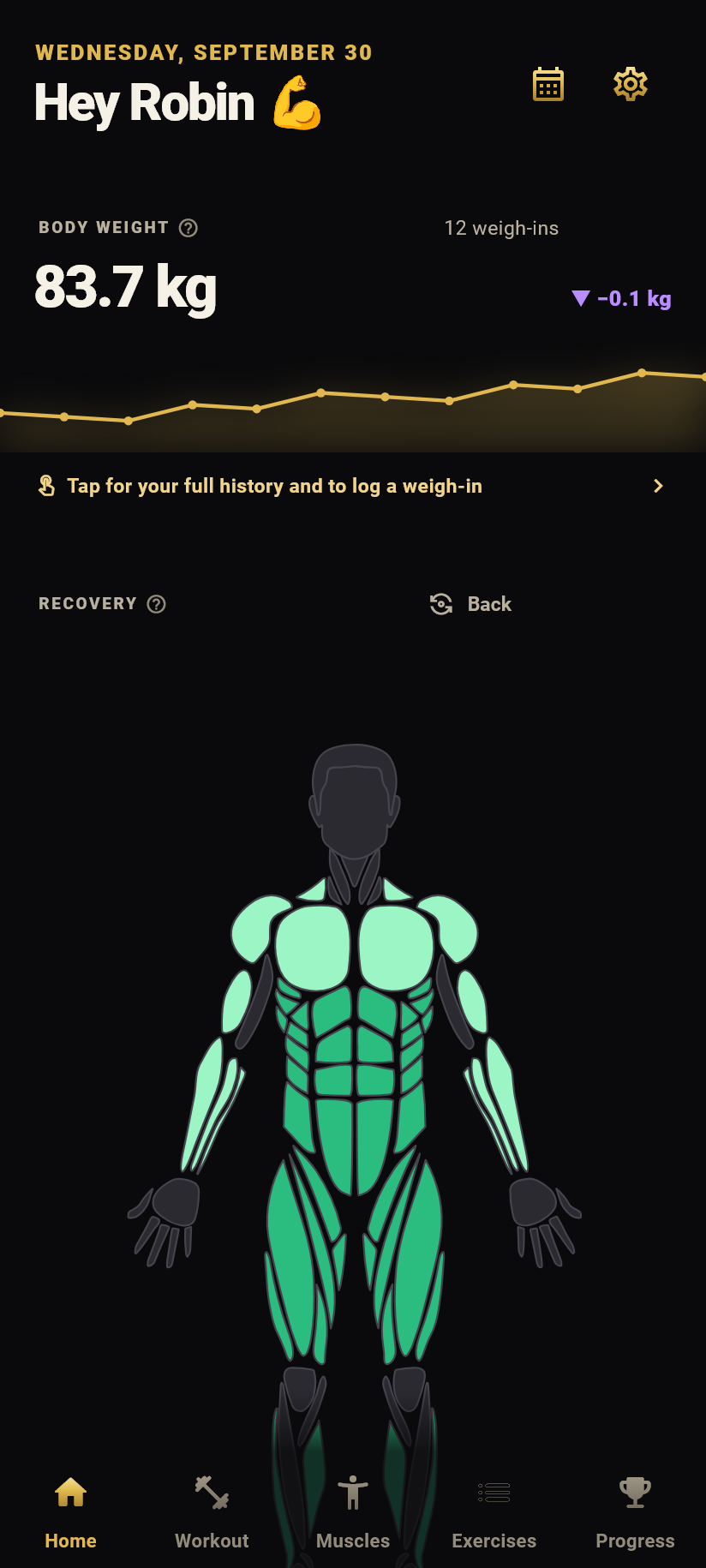
Every set colours a body map of twelve muscle groups, so you see where the week's work went without reading a table. The app also tracks strength trends per exercise, records, milestones and body weight.
Kilogain works on the device first, without an account and without ads. Syncing through Google / Apple is optional. The app is available in 25 languages. Training and logging are free; an optional Premium subscription adds deeper insights.
Visuals
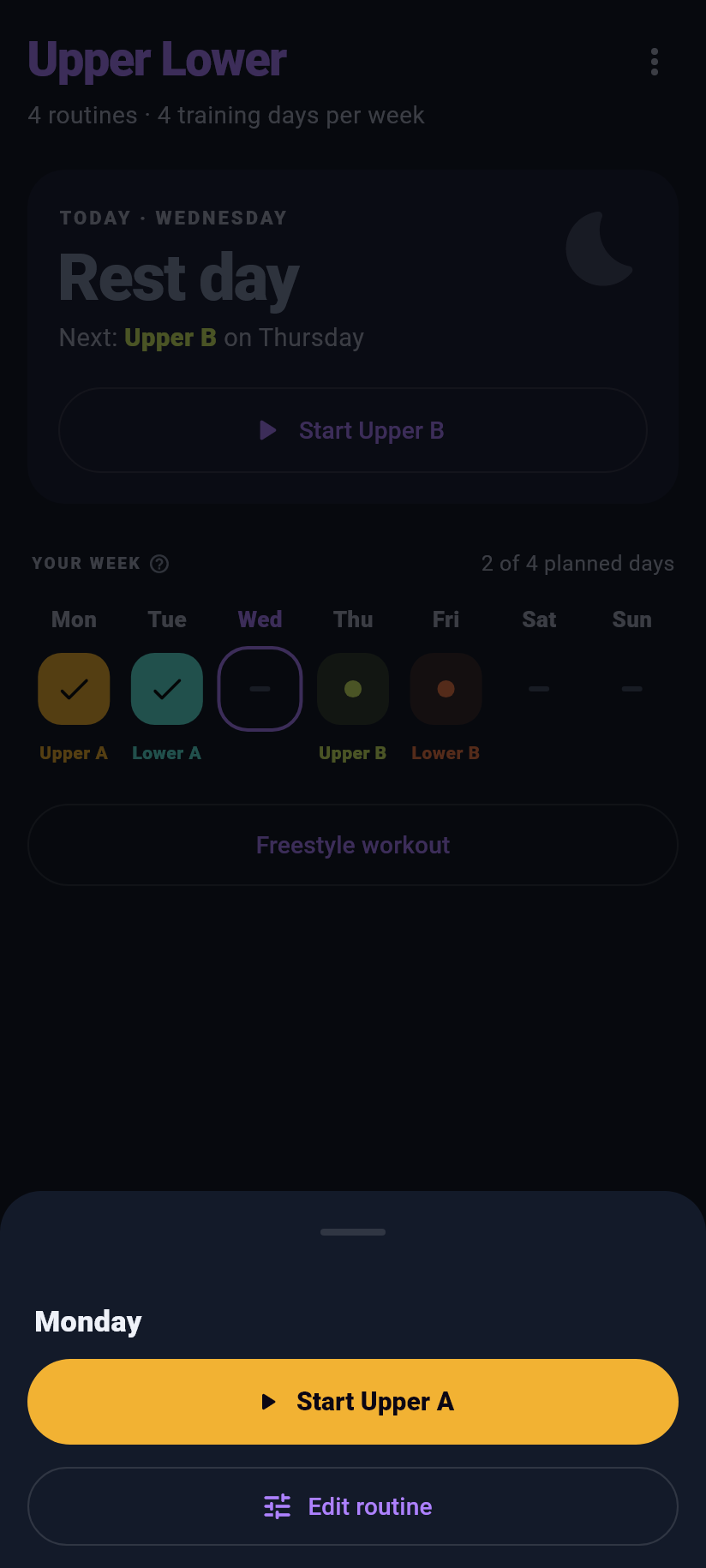
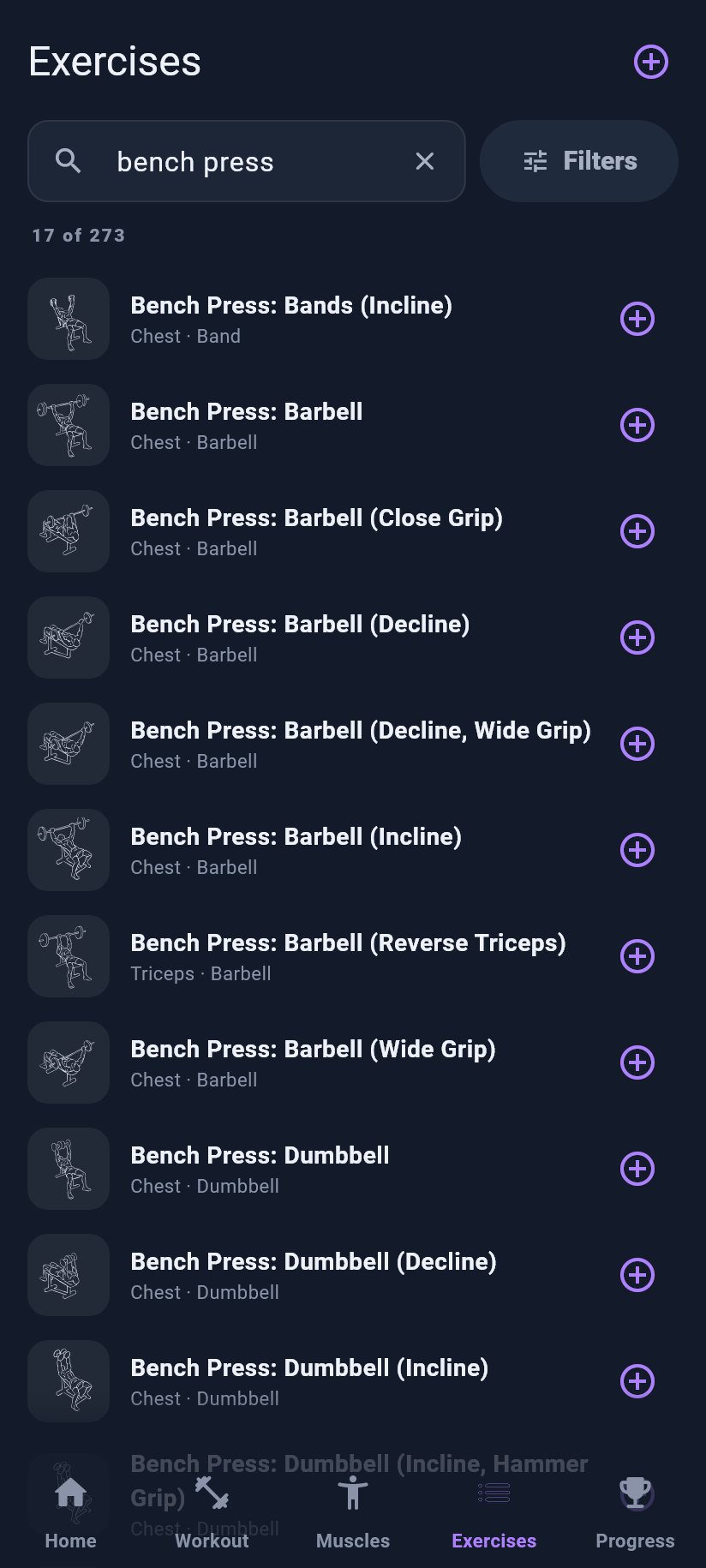
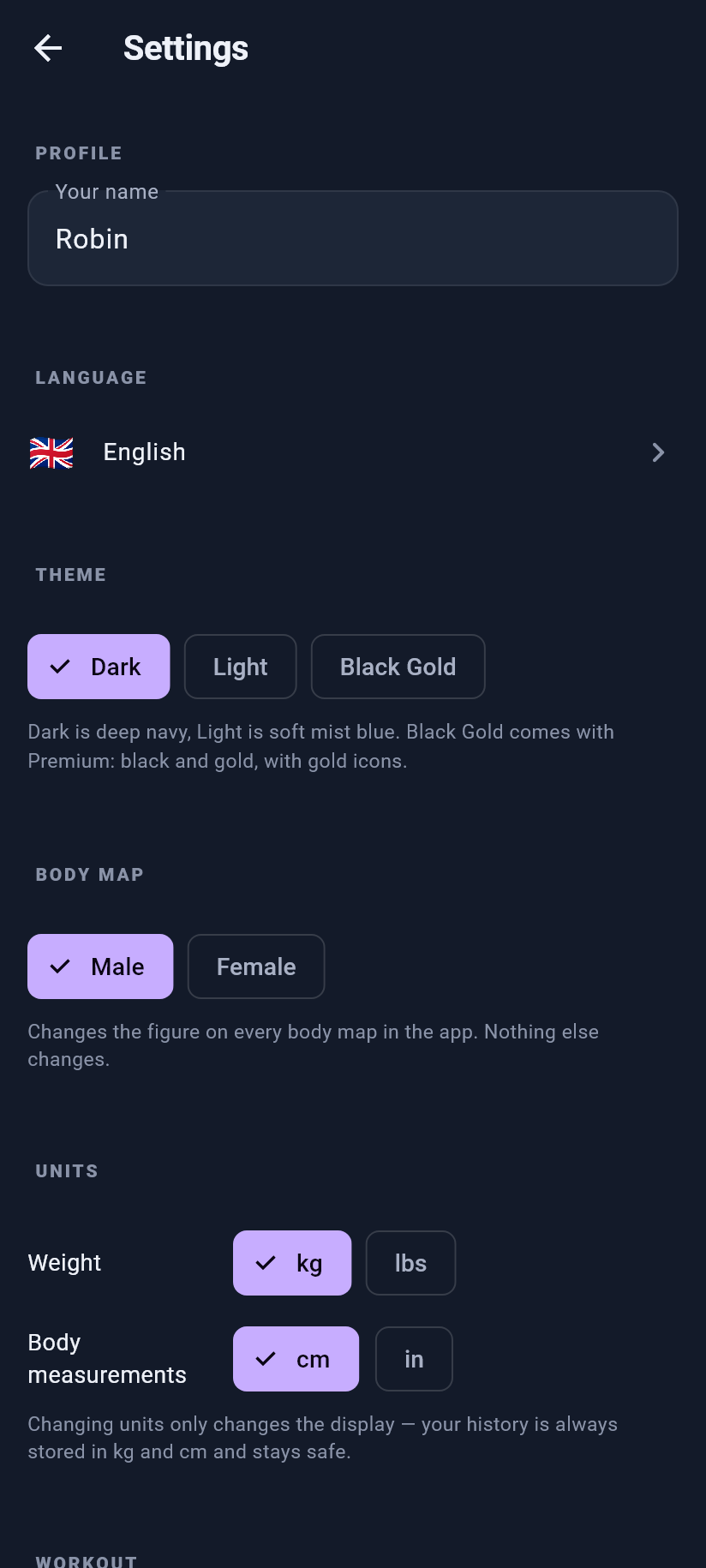
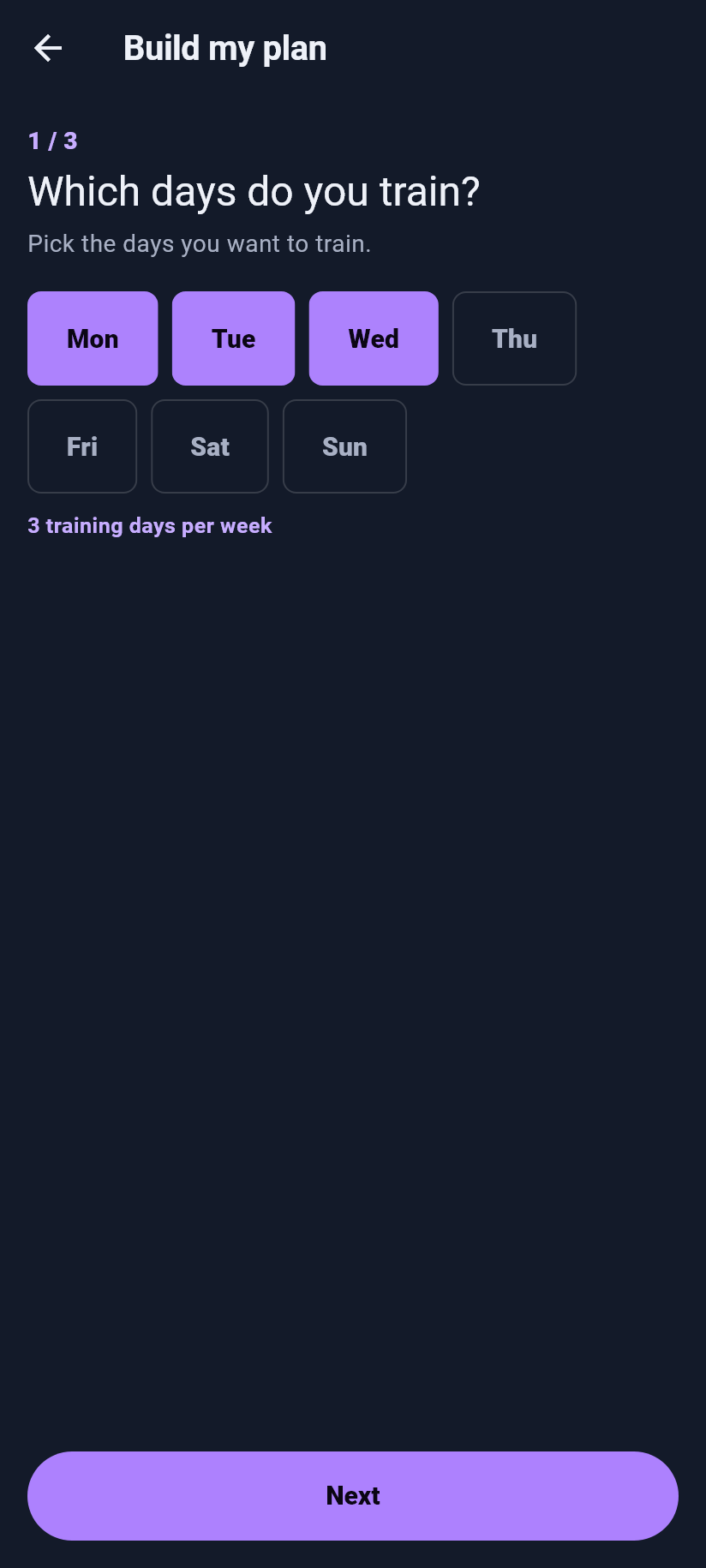
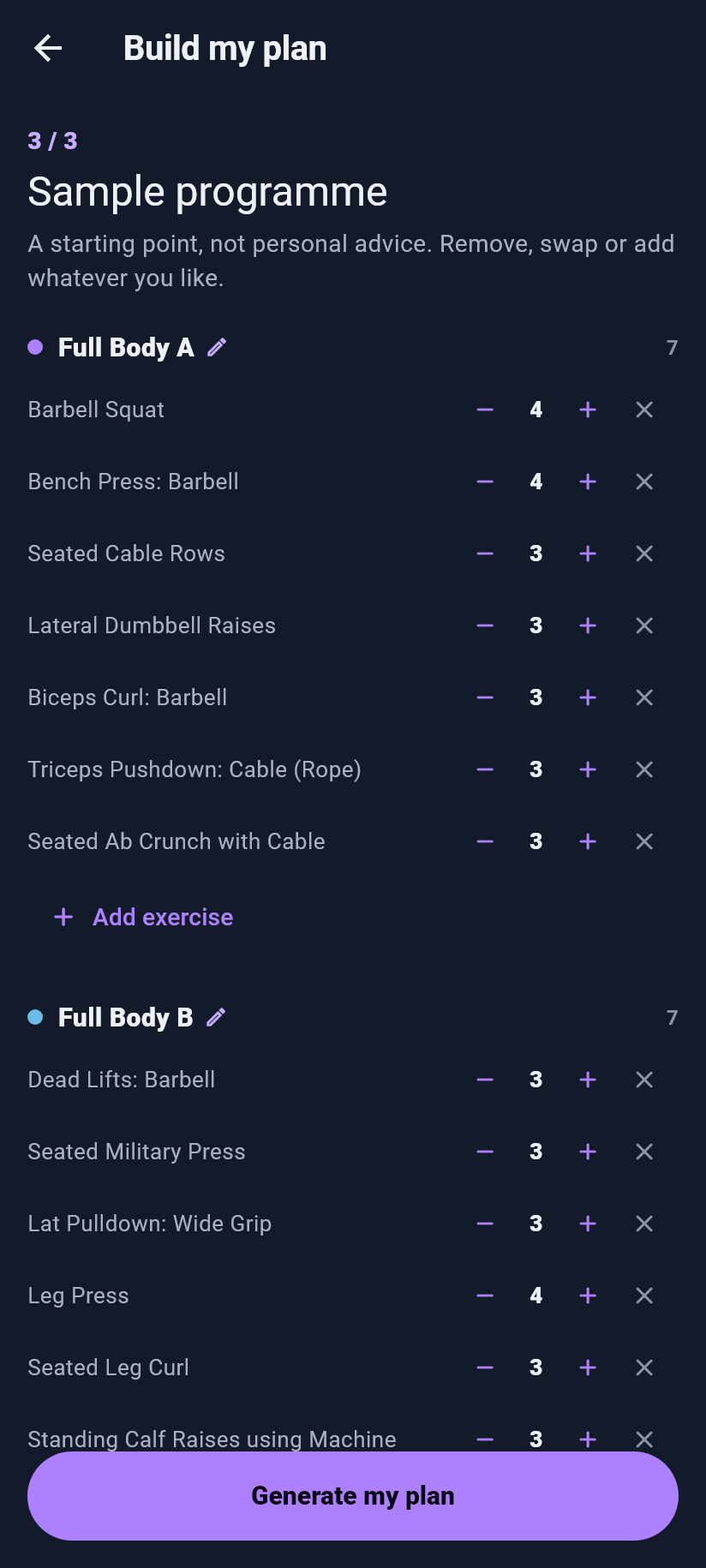
App icons, share images and screenshots with a fictional athlete's data. Every image is a full-size PNG.
App icon and banners
Home
Workout
Muscles
Exercises
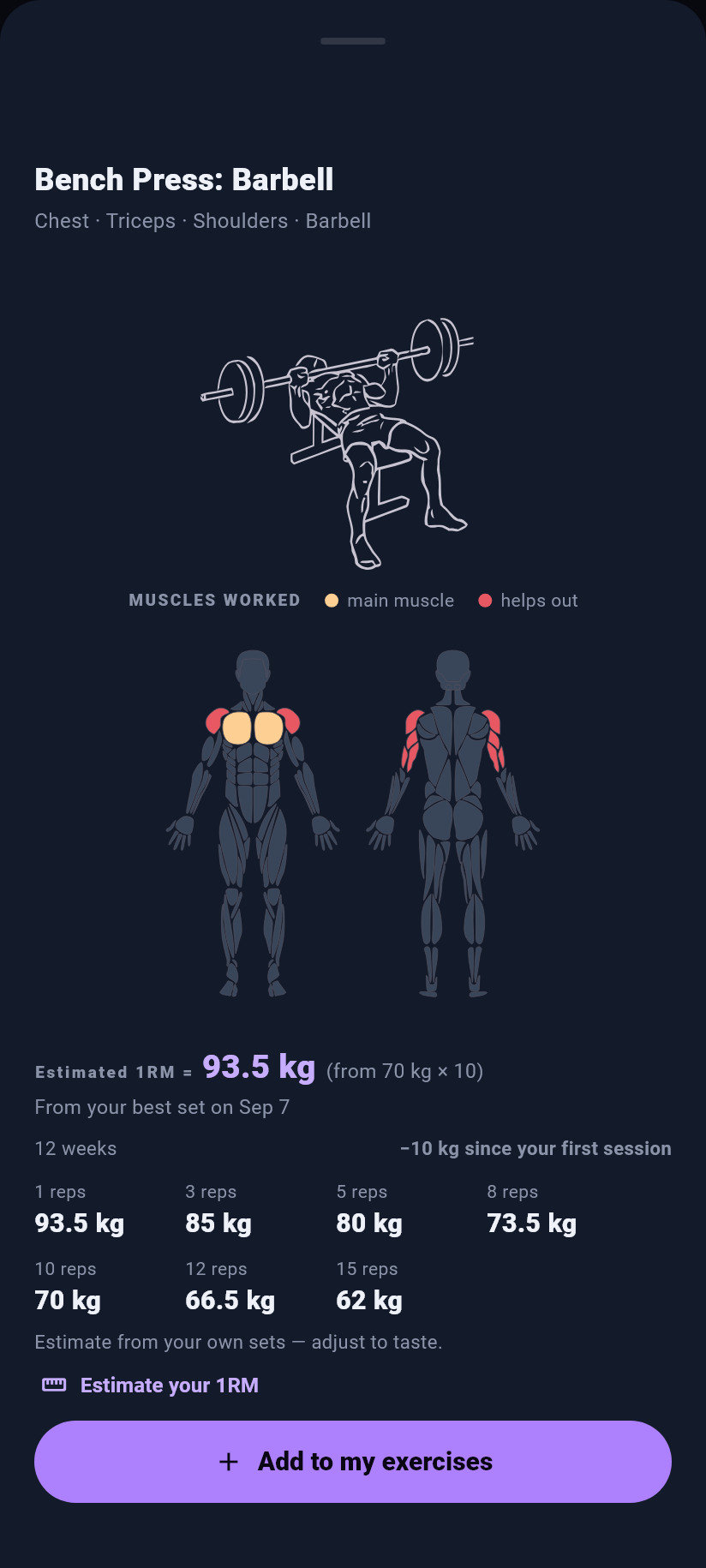
Progress
Settings and setup
Usage
- You may use this material to report on Kilogain.
- Don't change the icon's shape or colour, and don't place it inside another logo.
- Write the name as Kilogain: one word, with a capital K.
- Don't use the material in a way that suggests Kilogain endorses another product or service.
- The screenshots contain exercise illustrations by Greg Priday and contributors (Everkinetic, github.com/everkinetic/data), modified by us, licensed CC BY-SA 4.0 (creativecommons.org/licenses/by-sa/4.0). Keep this credit when you publish them.
Kilogain Wear
Kilogain Wear is available for Wear OS through Google Play and for Apple Watch through TestFlight. Edit your weight and reps, complete or undo sets, follow your rest timer and choose your watch theme.
Install Kilogain through Google Play on Android or TestFlight on iPhone and install the companion watch app too. Enable Wear OS or Apple Watch in Kilogain settings on your phone and start your workout there. Use a Wear OS watch paired with an Android phone, or an Apple Watch with watchOS 10 or later paired with an iPhone. Finish the workout on your phone.
See the app up close.